Patch management
Two patch surfaces, one workflow: Windows Update for the OS and winget for everyday third-party apps, both on per-client schedules with approval control.
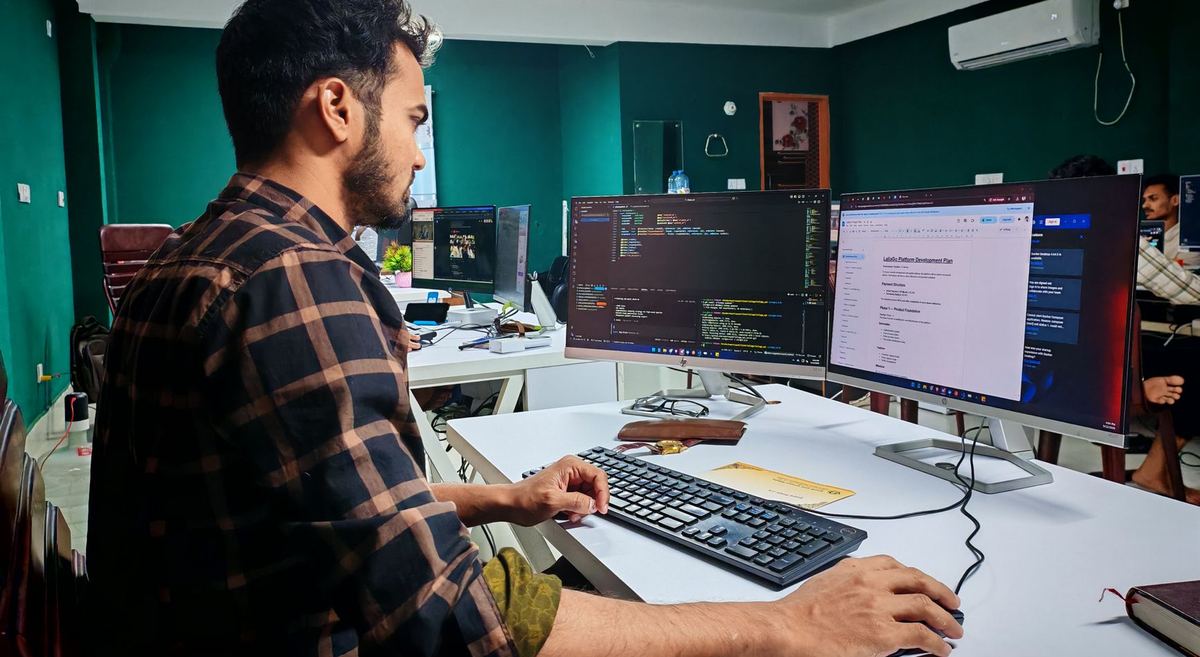

Windows Update
Agents inventory available Windows updates continuously, so every device shows its patch debt. You can approve and install ad hoc from a device page, or, the intended mode, set a per-client schedule: pick the day and hour, and Helios auto-approves and installs on that slot. If a device is off during its window, the scheduler catches up rather than skipping the day.
Third-party patching
Windows machines also report outdated everyday software through winget (browsers, runtimes, tools). The Patches area shows OS and third-party updates side by side, and third-party updates install through the same one-click and scheduled flows.
Compliance visibility
Patch state feeds each device's health score and the client rollups, so an unpatched fleet surfaces on the dashboard without anyone running a report. Patch activity also lands in the ticket trail when installs are scheduled, so there is an audit line for what changed and when.
The compliance figure counts machines with no missing critical or important update. On Linux, a package that fixes a security advisory counts as important. That is apt's security pocket on Debian and Ubuntu, and dnf updateinfo security advisories on Red Hat, Rocky and Alma. Repositories that publish no advisory data, such as CentOS Stream, mark nothing as security. From Linux agent 2.1.14, Helios says so. That machine reads as unknown in compliance and Cyber Essentials, never as a pass. The 14-day clock for Cyber Essentials starts when Helios first sees each version waiting. A newer version of a package that was already installed starts its own clock.
Rules and holds
Before an update goes out to twenty machines, the Patches page shows what it did on the ones that already tried it: how many installed it and how many are sitting on a failed install. That record comes from your own estate, not a vendor's rating.
Two standing rules sit above the schedule. Block an update everywhere, by KB or by a phrase in its title, from the most-missed list or from a failed install, and the schedule and the vulnerability fix leave it alone on every device until you unblock it. Hold every newly seen update for 3, 7 or 14 days after Helios first sees it, so a Tuesday release has time to go wrong somewhere else first. A technician approving a patch by hand on one device is an explicit decision and is always honoured.
Reboots
Pending reboots are a monitored signal with their own alert rule. Devices that finished installing but still need a restart are visible rather than silently half-patched, and a reboot can be triggered remotely from the device page.
Night restart window. It is set per client, and on by default for clients in workspaces created since 9 October 2026. Helios restarts Windows desktops that are owed a restart, inside that client's night window on its own clock, once a night at most. A machine someone has used in the last 45 minutes is left alone and tried again the next night. Servers are only included when you opt them in. A machine running a server edition of Windows counts as a server even if its type was changed by hand, and on a server any disconnected remote session counts as in use, so open work is never lost. The clocks changing is handled: a window still opens once on those nights.
When a machine cannot check for updates. A Windows Update search can fail, often because a WSUS server cannot be reached or the service is switched off. An apt or dnf refresh can fail too. The device's Patches tab then says so, with the reason, and keeps the last good list. The machine counts as unknown until a check works again. It never counts as up to date.
Linux has a middle state Windows doesn't: upgrades can leave services running on outdated libraries without needing a full reboot. Helios shows these as a "services need restart" chip on the device, listing the affected units, and restarts just those services with one click, with no downtime and no reboot. Only services the agent itself reported can be restarted this way.
Linux and macOS report inventory and update state through their agents; scheduled patching is deepest on Windows today, which is stated here so you are not surprised. The roadmap reflects what is being extended next.